



Blog
Scrape Amazon eBay to WooCommerce: The Ultimate Extension & Plugin Setup

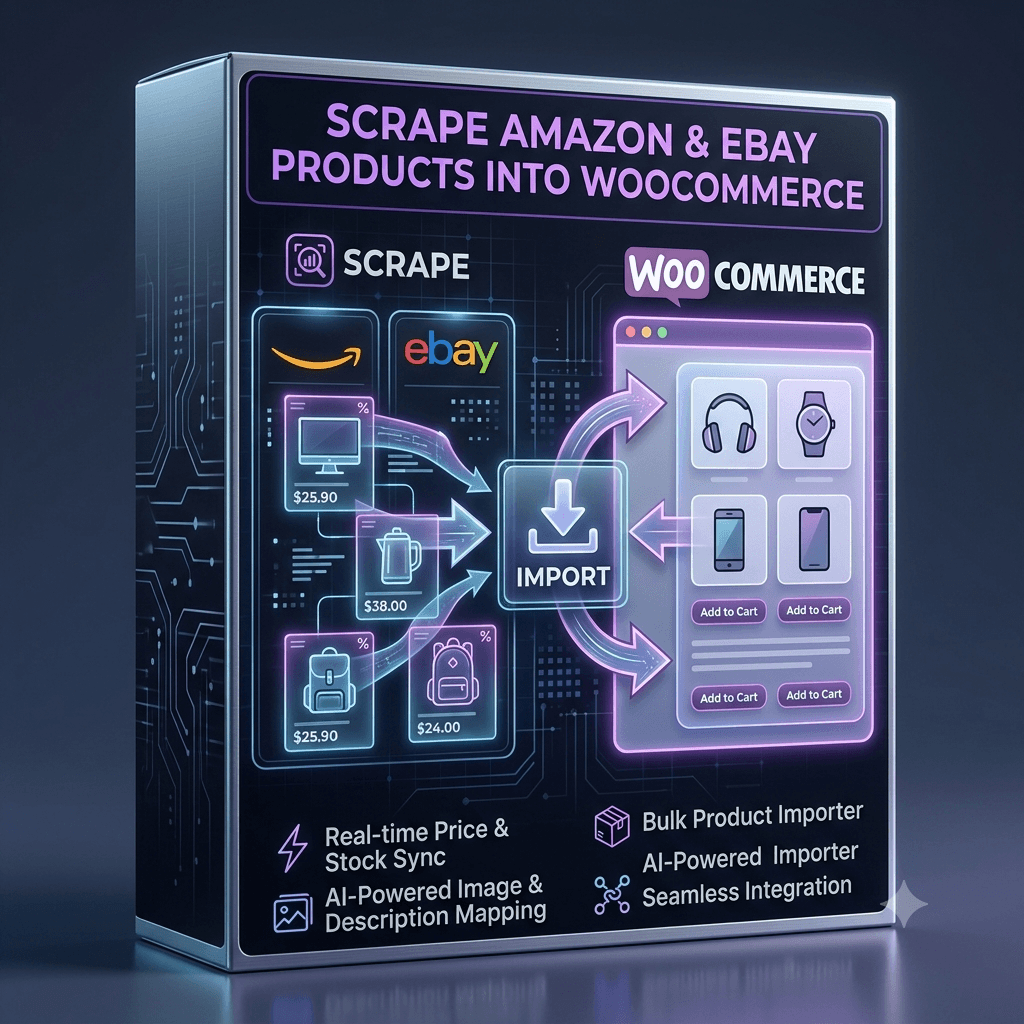
Scrape Amazon eBay to WooCommerce: The Ultimate Direct Workflow
If you are trying to populate your e-commerce store with products from major marketplaces, you already know how painful the process can be. Manually copying listing titles, downloading photo galleries, and re-typing variation matrices takes endless hours.
While many tools claim to help, most rely on complex API keys or clunky scripts that freeze your WordPress dashboard. The fastest, most reliable way to scrape Amazon eBay to WooCommerce is by using our dedicated, two-part software suite: Our Official Chrome Extension + Our Custom WooCommerce Importer Plugin.
Why Generic Scrapers and Marketplace APIs Fail
Trying to import marketplace products using generic scripts or official APIs usually leads to major roadblocks:
- Strict API Limits: Obtaining production credentials for Amazon’s Product Advertising API or eBay’s Developer Program requires active sales history and continuous approval reviews.
- Server Timeouts & Crashes: Standard WordPress importers crash your host memory when trying to download dozens of high-resolution images all at once.
- Broken Product Variations: Generic web scrapers frequently fail to capture parent-child variation tables (sizes, colors, styles) correctly.
To easily scrape Amazon eBay to WooCommerce, you need tools built specifically to work together without relying on third-party APIs.
The Complete Solution: Our Chrome Extension + Importer Plugin
We designed a seamless, two-step system built specifically for WooCommerce store owners, affiliate marketers, and dropshippers.
[ Amazon / eBay Listing ] ──(Our Chrome Extension)──> [ Clean CSV File ] ──(Our WooCommerce Plugin)──> [ Live WooCommerce Store ]
1. Our Product Scraper Chrome Extension
Instead of wrestling with API credentials, our lightweight Google Chrome extension extracts product data directly from live marketplace pages as you browse.
- 1-Click Bulk Scraping: Instantly capture product titles, descriptions, pricing, bullet points, and gallery image URLs.
- Full Variation Mapping: Automatically parses complex parent-child product attributes (sizes, colors, models).
- Clean Data Formatting: Pre-formats scraped data into a structured CSV file designed to match WooCommerce database fields perfectly.
2. Our Enterprise WooCommerce CSV Importer Plugin
Once you generate your product CSV file, our custom WooCommerce plugin handles the heavy lifting inside your WordPress admin dashboard.
- Zero Server Timeouts: Uses background batch queues so you can import thousands of products without crashing your hosting server.
- Automated Gallery Downloads: Pulls high-resolution featured photos and gallery images directly into your WordPress Media Library seamlessly.
- Dynamic Price Markup Rules: Set custom pricing multipliers (e.g.,
Scraped Price + 30%) to guarantee your profit margins upon import.
Step-by-Step: How to Scrape Amazon eBay to WooCommerce
Step 1: Scrape Products with Our Chrome Extension
Navigate to any product page or search result page on Amazon or eBay. Open our Chrome extension, select your target fields, and click Export Data to generate your ready-to-import CSV file.
Step 2: Upload the CSV to Our WooCommerce Plugin
Go to your WordPress admin dashboard, open our importer plugin interface, and upload the CSV file generated by the extension.
Step 3: Run the Background Import
Click START. Our plugin’s background queue handles attribute mapping, downloads image galleries asynchronously, and publishes your new products directly to your catalog.
Frequently Asked Questions
Do I need Amazon or eBay API keys to use these tools?
No. Our Chrome extension reads public web listing data directly, allowing you to scrape Amazon eBay to WooCommerce without developer accounts or API permissions.
Will importing large CSV files slow down my WooCommerce site?
No. Unlike basic importer plugins that execute all at once, our plugin processes data in small background batches to prevent CPU spikes and keep your site running fast.
Start Automating Your Store Today
Stop wasting time on manual data entry or broken API scripts. Streamline your entire product publishing pipeline using our Chrome Extension and WooCommerce Importer Plugin—the ultimate setup to scrape Amazon eBay to WooCommerce efficiently!