



Blog
BigBuy Enterprise CSV Importer for WooCommerce: Automated Product Sync Guide

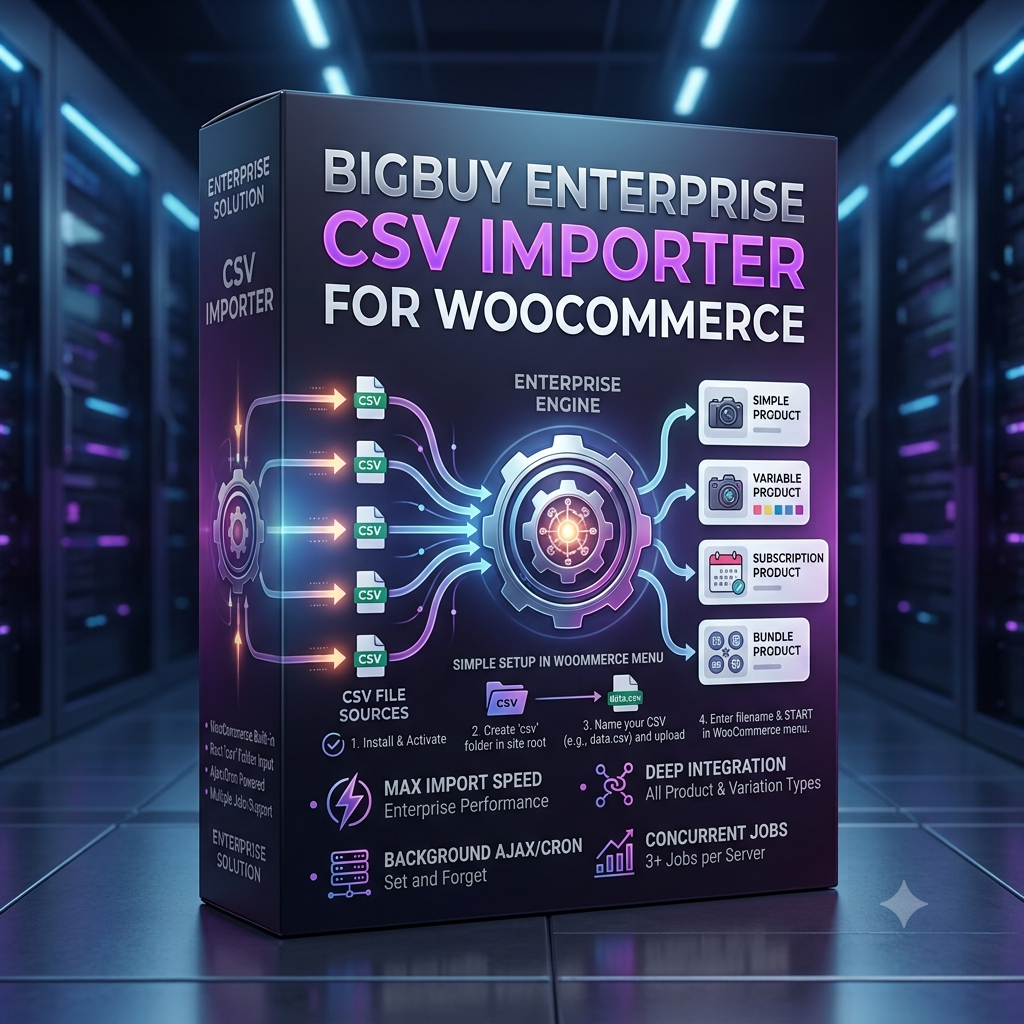
BigBuy Enterprise CSV Importer for WooCommerce: Automated Product Sync Guide
Managing a large-scale e-commerce store fed by BigBuy suppliers can quickly become overwhelming without proper automation. Manually updating thousands of products, stock levels, category mappings, and wholesale pricing adjustments requires endless hours and frequently leads to costly errors, such as selling out-of-stock items.
The BigBuy Enterprise CSV Importer for WooCommerce solves this challenge by completely automating your product import and catalog synchronization workflows. Whether you are running a high-volume dropshipping business or managing complex multi-category inventory feeds, this guide covers everything you need to know about setting up a reliable, automated catalog engine.
Why You Need an Enterprise-Grade WooCommerce BigBuy Importer
Standard WordPress CSV importers frequently encounter memory timeouts, fail during image downloads, or crash server resources when processing feeds containing tens of thousands of SKUs. An enterprise-level BigBuy dropshipping plugin overcomes these limitations through targeted architectural optimizations.
1. Server-Friendly Background Batch Processing
Unlike basic tools that rely on an open browser session, an enterprise importer executes tasks via background processing queues. This allows you to trigger massive catalog imports, close your browser, and turn off your PC while the plugin processes updates safely without timing out your server.
2. Real-Time Stock & Price Synchronization
BigBuy supplier feeds update continuously throughout the day. Maintaining accurate stock quantities and wholesale profit margins requires dynamic automated product sync features to protect your revenue and prevent backorders.
Key Features of BigBuy Enterprise CSV Importer for WooCommerce
To support growing e-commerce operations, the plugin provides robust feature sets designed for high-capacity data handling:
- Multi-Format Product Support: Full compatibility with Simple, Variable, Subscription, and Bundle product types in WooCommerce.
- Custom Field & Meta Mapping: Easily map custom BigBuy CSV headers directly to WooCommerce post meta, attributes, and taxonomies.
- Automated Cron Schedules: Configure recurring background intervals to fetch remote feed URLs and sync inventory automatically.
- Image Library Optimization: Downloads product featured images and gallery variations smoothly without duplicating assets in your WordPress media library.
- Dynamic Margin & Markup Rules: Apply custom percentage or flat profit margins globally or per category during import execution.
How to Set Up Automated Imports in 4 Simple Steps
Step 1: Upload Your BigBuy CSV File or Feed URL
Access your WordPress admin dashboard, navigate to the importer interface, and upload your BigBuy CSV file or link your live remote feed URL.
Step 2: Map CSV Columns to WooCommerce Product Fields
Match your supplier CSV data columns—such as SKU, Product Name, Description, Wholesale Cost, Stock Quantities, and Image URLs—to their corresponding WooCommerce database fields.
Step 3: Define Profit Margins and Category Rules
Set up global or category-specific price multipliers (e.g., Supplier Cost + 30%) and configure whether new categories should be automatically generated or mapped to existing store taxonomies.
Step 4: Execute the Import and Enable Background Scheduling
Click START to initiate background processing. Set up automated execution intervals (daily or hourly) so your store stays updated completely hands-free.
Frequently Asked Questions About BigBuy Product Sync
Will importing large CSV files slow down my WooCommerce store?
No. The BigBuy Enterprise CSV Importer for WooCommerce breaks large files into controlled background batches, preventing CPU spikes and preserving fast page load speeds for your shoppers.
Does the importer support variable products with multiple attributes?
Yes. The importer automatically handles multi-attribute variation mapping (such as sizes, colors, and technical specifications) and links them properly under parent product records.
Conclusion: Scale Your Store with Hands-Free Automation
Automating product inventory is the most effective way to eliminate manual data entry and scale your online store efficiently. By utilizing the BigBuy Enterprise CSV Importer for WooCommerce, you establish a resilient, set-and-forget product sync system that keeps your store accurate, competitive, and ready for high sales volume.